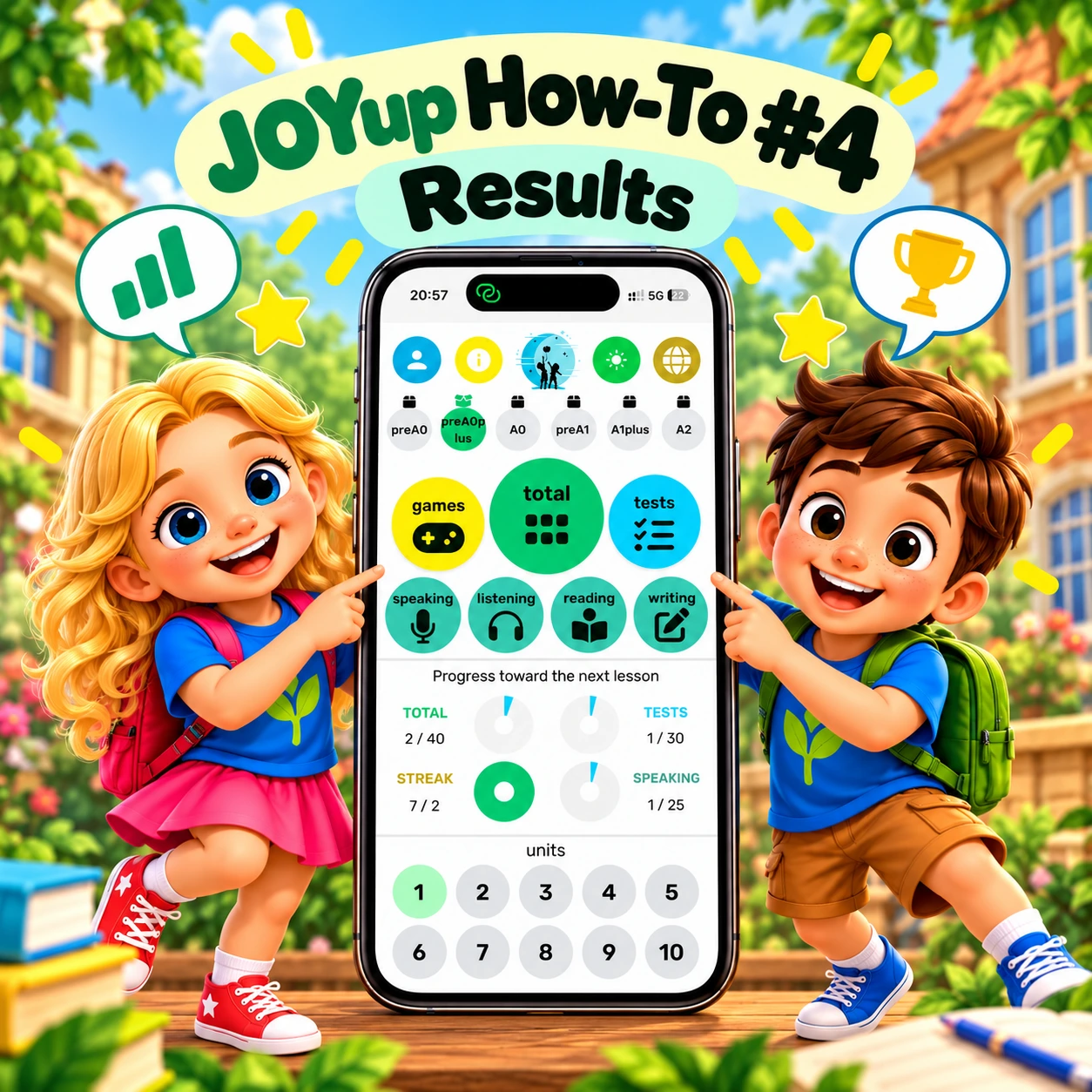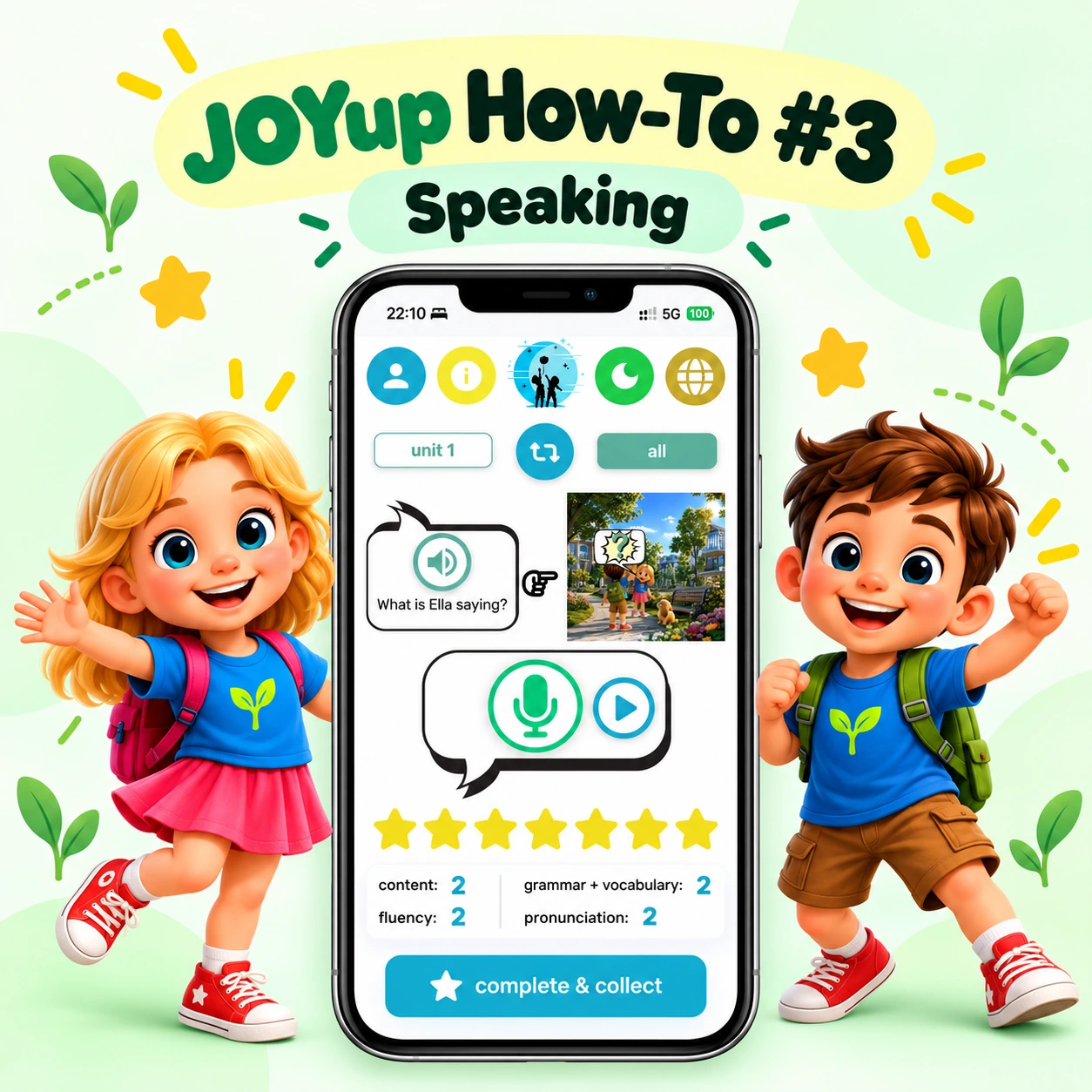
Welcome to JOYup How To — a series of short guides designed to help you get the most out of the JOYup app.
In this first guide, we take a quick tour of the JOYup home screen.
From here, you can manage your profile, track your learning progress and choose what you want to practise next.
At the top of the home screen, you can:
Each screen in JOYup has its own tutorial, so help is always available exactly where you need it.
Your home screen also shows your:
stars — points collected while learning,
streak — your learning consistency,
place — your position in the course ranking.
You can also see how far you have progressed through your lessons and units and what you can unlock next.
From the home screen, you can quickly open four main areas:
Learning — explore stories and multimedia and practise new vocabulary in context.
Speaking — answer questions or repeat phrases and receive instant feedback.
Games — practise memory and vocabulary through short interactive activities.
Tests — complete different exercises involving speaking, listening, reading and writing.
Your Daily Adventure gives you a quick mix of activities designed to help new vocabulary stay with you for longer.
Choose an activity, practise a little every day and keep building your English step by step.
First lesson free. No time limit.
Download JOYup and start your next English adventure.