
We want JOYup to grow together with the children and parents who use it.
That is why the app includes a Feedback section where you can contact us directly, share your ideas and even vote for suggestions from other users.
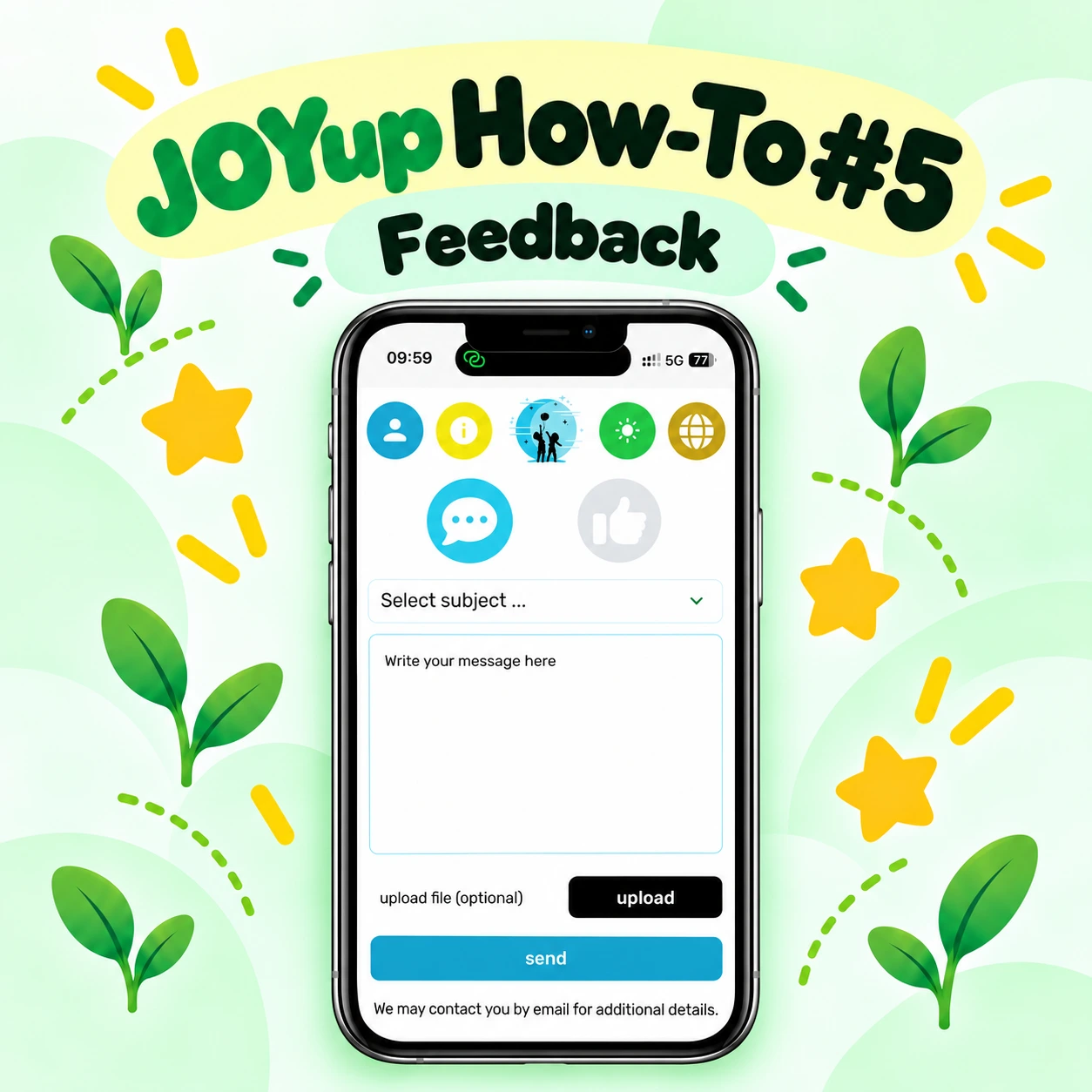
In JOYup How-To #5, we show you how it works.
Send a message to the JOYup team
To send feedback, first choose the subject that best matches your message.
Then simply write what you would like to tell us.
It might be:
- an idea for a new feature,
- something you would like us to improve,
- a problem you have noticed,
- or any other suggestion about JOYup.
Add a file if you need to
Sometimes a screenshot or another file makes it much easier to explain what is happening.
Use the Upload option if you would like to attach one.
This step is optional.
When everything is ready, select Send.
If we need additional information, we may contact you by email.
Vote for ideas from the JOYup community
The Feedback area also lets you see ideas that have already been submitted.
You can browse the list and filter suggestions to find topics that interest you.
Found something you would also like to see in JOYup?
Simply select it and cast your vote. 👍
Earn more votes as you learn
Your number of available votes can grow as you continue learning with JOYup.
This connects participation in the community with progress in the app and gives active learners more opportunities to support ideas that matter to them.
Your voice matters
We do not want feedback to disappear into a form nobody reads.
The purpose of this section is to give parents and learners a direct way to tell us what is working, what could work better and what they would like JOYup to become next.
Have an idea? Send it to us — or vote for one that is already there. 💚